Our user gallery showcases the incredible creativity of our community. From stunning portraits to imaginative landscapes, these sketches demonstrate the power of our AI tools to transform ordinary images into works of art.
Every sketch in our gallery is created using our AI Image Sketch tools, and submitted by users just like you. We're constantly amazed by the talent and creativity of our community!
Our user gallery showcases the incredible creativity of our community. From stunning portraits to imaginative landscapes, these sketches demonstrate the power of our AI tools to transform ordinary images into works of art.
Every sketch in our gallery is created using our AI Image Sketch tools, and submitted by users just like you. We're constantly amazed by the talent and creativity of our community!
📁 Explore by Category
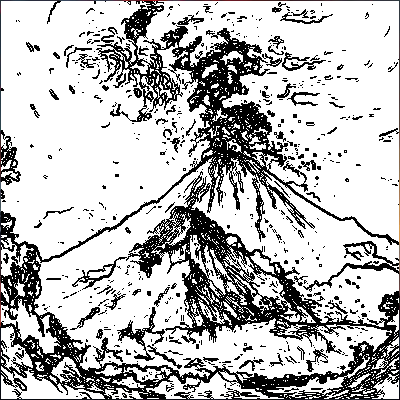
Fluffy Cat
Created by Sarah, Age 10
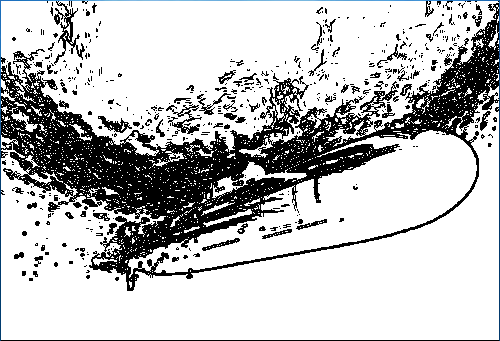
Mountain View
Created by Alex, Age 12
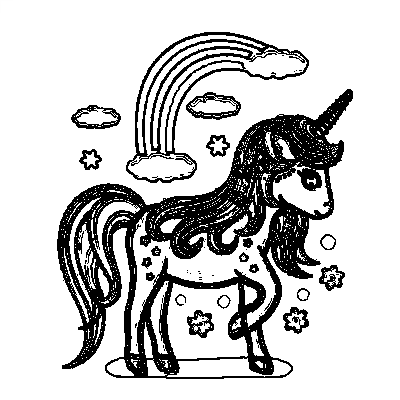
Magic Castle
Created by Emma, Age 9
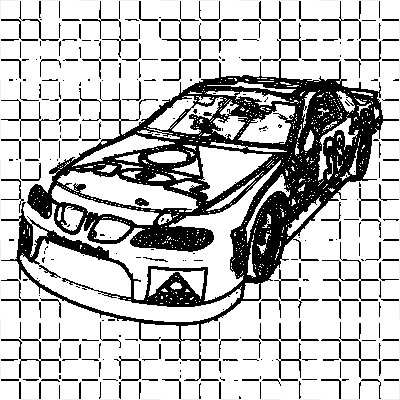
Happy Dog
Created by Liam, Age 8
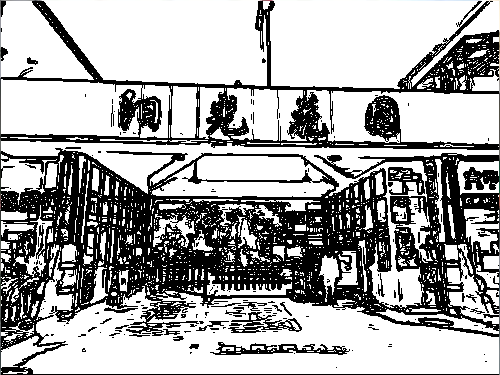
Beach Day
Created by Olivia, Age 11
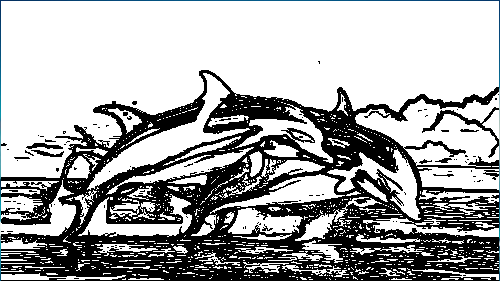
Space Adventure
Created by Noah, Age 13
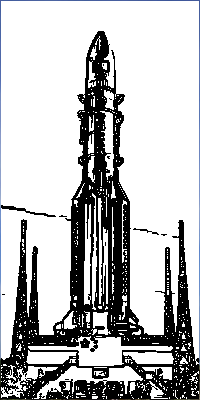
Enchanted Forest
Created by Sophia, Age 10
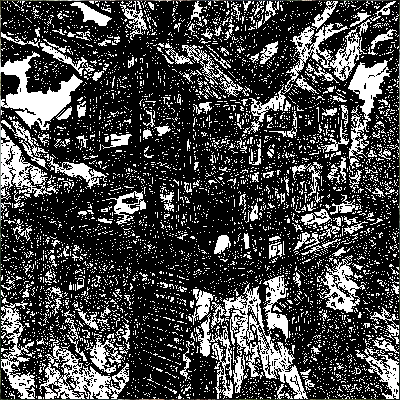
Fast Car
Created by Lucas, Age 9
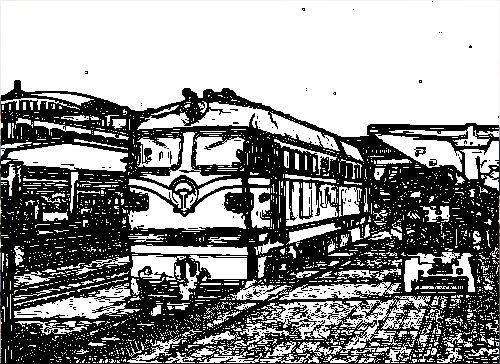
Beautiful Flower
Created by Isabella, Age 8
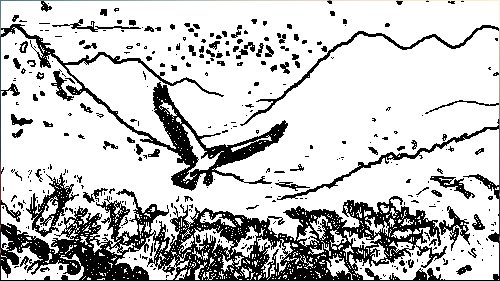
Superhero
Created by Ethan, Age 11
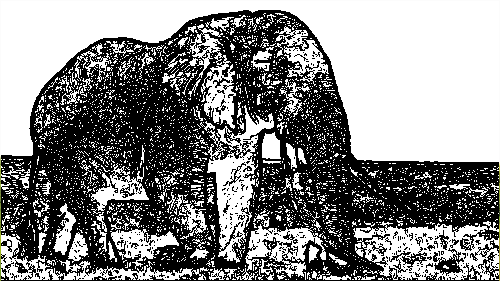
Fairy Tale Castle
Created by Mia, Age 10
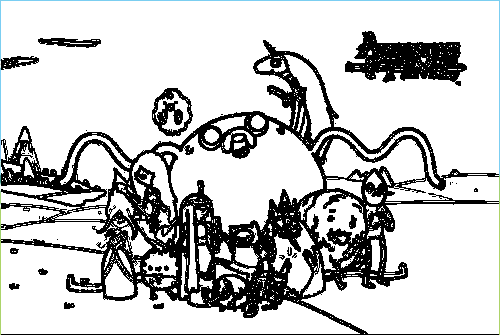
Cartoon Character
Created by Jackson, Age 12
📤 How to Submit Your Work
Create Your Sketch
Use any of our tools to create your masterpiece.
Save Your Work
Download your sketch as a high-quality image.
Share With Us
Send us your sketch via email or social media.
Get Featured
Your sketch might be featured in our gallery!
How can I submit my sketch to the gallery?
You can submit your sketches by emailing them to us at [email protected] or sharing them on social media with the hashtag #AIImageSketch.
What types of sketches can I submit?
You can submit any sketch created using our tools, including image-to-sketch conversions, random sketches, and text-to-image creations.
Will my name be displayed with my sketch?
Yes, we'll display your first name and age (if you're under 18) with your sketch. We respect privacy and won't share any personal information.
How long does it take for my sketch to be approved?
We review submissions within 1-3 business days. If your sketch is approved, it will be added to the gallery.
Can I submit multiple sketches?
Absolutely! You can submit as many sketches as you like. We love seeing all your creative work!
How can I submit my sketch to the gallery?
You can submit your sketches by emailing them to us at [email protected] or sharing them on social media with the hashtag #AIImageSketch.
What types of sketches can I submit?
You can submit any sketch created using our tools, including image-to-sketch conversions, random sketches, and text-to-image creations.
Will my name be displayed with my sketch?
Yes, we'll display your first name and age (if you're under 18) with your sketch. We respect privacy and won't share any personal information.
How long does it take for my sketch to be approved?
We review submissions within 1-3 business days. If your sketch is approved, it will be added to the gallery.
Can I submit multiple sketches?
Absolutely! You can submit as many sketches as you like. We love seeing all your creative work!