Smart Image Upload
Drag and drop your images or browse from your device. Supports JPG, PNG, and GIF formats up to 5MB.
AI Object Recognition
Our AI can identify objects in your photos and provide detailed descriptions, making learning fun for kids!
Multiple Sketch Styles
Choose from Standard, Sketchy, Cartoon, Watercolor, and Ink styles to create different artistic effects.
Image Adjustments
Fine-tune your images with brightness, contrast, and saturation controls. Apply filters for different looks.
Easy Download
Save your sketches as high-quality PNG files to share with friends and family or use in your projects.
Real-time Processing
See results instantly as our AI works its magic right in your browser.
Smart Image Upload
Drag and drop your images or browse from your device. Supports JPG, PNG, and GIF formats up to 5MB.
AI Object Recognition
Our AI can identify objects in your photos and provide detailed descriptions, making learning fun for kids!
Multiple Sketch Styles
Choose from Standard, Sketchy, Cartoon, Watercolor, and Ink styles to create different artistic effects.
Image Adjustments
Fine-tune your images with brightness, contrast, and saturation controls. Apply filters for different looks.
Easy Download
Save your sketches as high-quality PNG files to share with friends and family or use in your projects.
Real-time Processing
See results instantly as our AI works its magic right in your browser.
🚀 How It Works
Upload Your Image
Drag and drop or click to select an image from your computer.
Adjust Settings
Choose your preferred sketch style and adjust image parameters.
Process Image
Click the magic button and watch our AI transform your photo.
Download Result
Save your sketch and share it with friends!
🌟 Examples
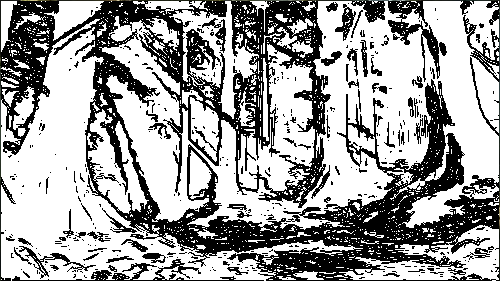
Standard Style
Classic black and white sketch with clean lines
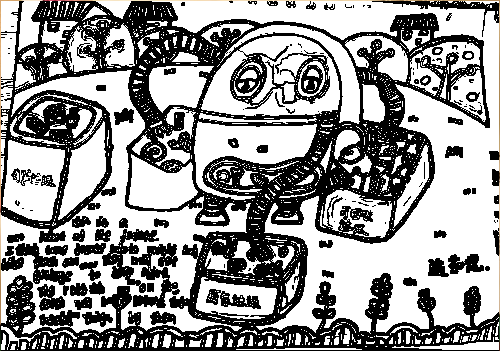
Sketchy Style
Artistic sketch with more texture and character
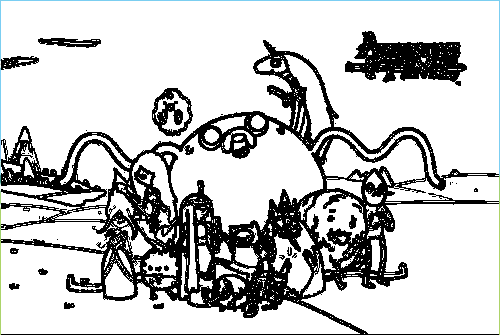
Cartoon Style
Fun and colorful cartoon-like sketch
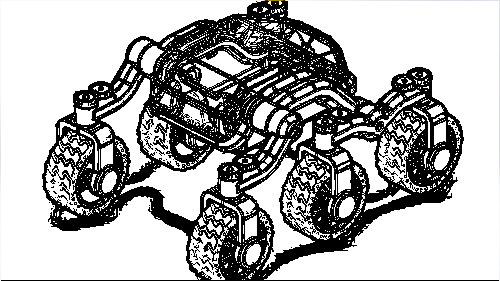
Watercolor Style
Soft and dreamy watercolor effect
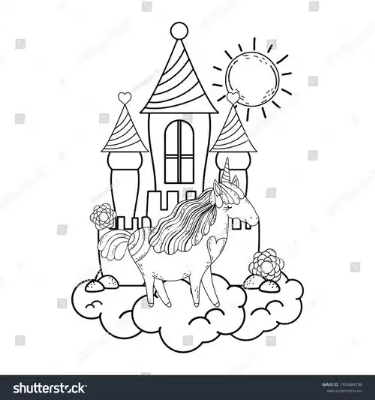
Ink Style
Bold and dramatic ink painting effect
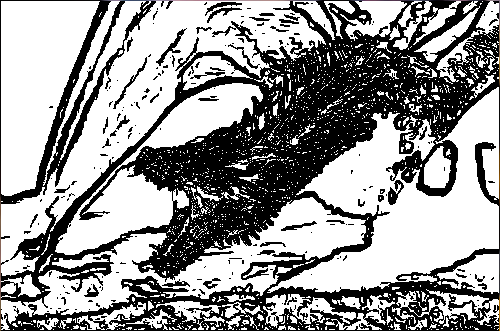
With Filters
Enhanced with custom filters and adjustments
🔬 Technology Behind
Edge Detection
Uses advanced edge detection algorithms to identify the contours and shapes in your images, creating realistic sketch lines.
AI Recognition
Leverages machine learning to identify objects in your photos, providing educational descriptions for each element.
Image Processing
Utilizes OpenCV.js for real-time image manipulation, allowing for instant previews and adjustments.
Style Transfer
Applies different artistic styles using advanced image processing techniques to create unique sketch effects.
What file formats are supported?
We support JPG, PNG, and GIF files. The maximum file size is 5MB.
How long does it take to process an image?
Processing time depends on the image size, but most images are processed in just a few seconds.
Can I use the sketches for commercial purposes?
Yes! You own the rights to the sketches you create with our tool. Feel free to use them for any purpose.
Is there a limit to how many images I can process?
No, there's no limit. You can process as many images as you like!
Do I need to create an account?
No account is required. Our tool is completely free to use without any registration.
What file formats are supported?
We support JPG, PNG, and GIF files. The maximum file size is 5MB.
How long does it take to process an image?
Processing time depends on the image size, but most images are processed in just a few seconds.
Can I use the sketches for commercial purposes?
Yes! You own the rights to the sketches you create with our tool. Feel free to use them for any purpose.
Is there a limit to how many images I can process?
No, there's no limit. You can process as many images as you like!
Do I need to create an account?
No account is required. Our tool is completely free to use without any registration.