Creative Freedom
Describe anything you can imagine - from fantasy worlds to everyday scenes.
Artistic Styles
Choose from different artistic styles to match your vision.
Fast Generation
See your ideas come to life in just seconds.
Easy Download
Save your generated images in high quality.
Endless Possibilities
Create anything from realistic scenes to abstract art.
Kid-Friendly
Simple interface that kids and teachers will love.
Creative Freedom
Describe anything you can imagine - from fantasy worlds to everyday scenes.
Artistic Styles
Choose from different artistic styles to match your vision.
Fast Generation
See your ideas come to life in just seconds.
Easy Download
Save your generated images in high quality.
Endless Possibilities
Create anything from realistic scenes to abstract art.
Kid-Friendly
Simple interface that kids and teachers will love.
🚀 How It Works
Write Your Prompt
Describe what you want to see in as much detail as possible.
Choose Style
Select an artistic style that matches your vision.
Generate Image
Click the generate button and watch your words come to life.
Download Result
Save your generated image and share it with friends!
🌟 Examples
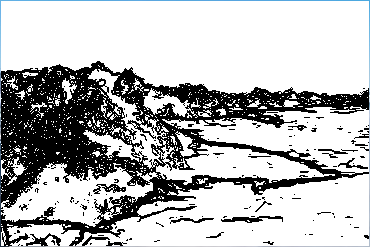
Fantasy World
"A magical forest with glowing trees and mythical creatures"
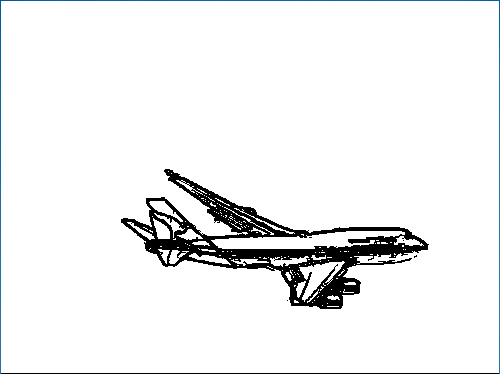
Space Adventure
"An astronaut exploring a colorful alien planet"
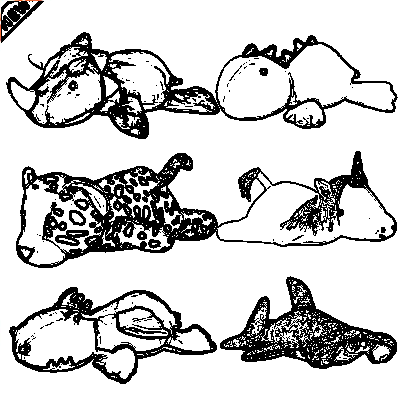
Animal Friends
"A group of friendly animals having a picnic"
Underwater World
"A vibrant coral reef with tropical fish"
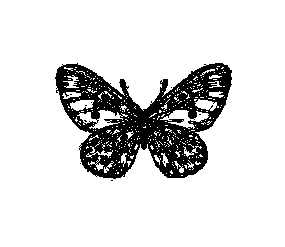
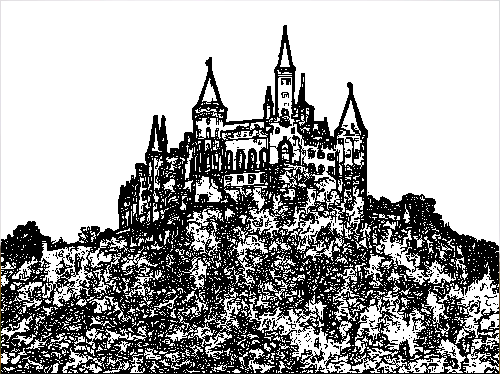
Fairy Tale Castle
"A magical castle in the clouds with rainbows"
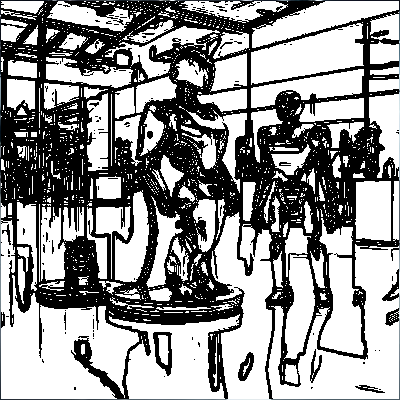
Future City
"A futuristic city with flying cars and neon lights"
💡 Prompt Guide
Be Specific
The more details you provide, the better the result. Include colors, lighting, setting, and mood.
Good: "A golden retriever puppy playing in a field of sunflowers at sunset"
Better: "A fluffy golden retriever puppy with floppy ears playing in a vibrant field of yellow sunflowers during a warm orange sunset, with a clear blue sky in the background"
Include Style
Mention artistic styles to get the look you want.
Examples: "watercolor painting", "cartoon style", "realistic photograph", "abstract art"
Set the Mood
Describe the atmosphere or feeling you want to convey.
Examples: "peaceful and serene", "mysterious and magical", "energetic and vibrant"
Use Adjectives
Adjectives help paint a clearer picture for the AI.
Example: "A small, cozy cabin with a thatched roof nestled in a dense, green forest with tall pine trees"
What kind of prompts work best?
Detailed prompts with specific descriptions work best. The more information you provide about the scene, characters, style, and mood, the better the results.
How long does it take to generate an image?
Image generation typically takes 5-10 seconds, depending on the complexity of your prompt.
Can I use the generated images for commercial purposes?
Yes! You own the rights to the images you generate with our tool. Feel free to use them for any purpose.
Is there a limit to how many images I can generate?
No, there's no limit. You can generate as many images as you like!
What if I don't like the generated image?
You can always try again with a different prompt or adjust your description to get better results. Experimenting with different details and styles can help you get the perfect image.
What kind of prompts work best?
Detailed prompts with specific descriptions work best. The more information you provide about the scene, characters, style, and mood, the better the results.
How long does it take to generate an image?
Image generation typically takes 5-10 seconds, depending on the complexity of your prompt.
Can I use the generated images for commercial purposes?
Yes! You own the rights to the images you generate with our tool. Feel free to use them for any purpose.
Is there a limit to how many images I can generate?
No, there's no limit. You can generate as many images as you like!
What if I don't like the generated image?
You can always try again with a different prompt or adjust your description to get better results. Experimenting with different details and styles can help you get the perfect image.